In short
Meta is expanding its Muse AI agent with video calls, email addresses, Mac computer control and future smart glasses support. The updates aim to turn Muse from a chatbot into a more versatile AI avatar and assistant.
- Muse is gaining video calls, email addresses and Mac computer control.
- Meta is turning the bot into an AI avatar with customizable voice and motion.
- Smart glasses support is planned, linking Muse to wearable AI.
- The rapid rollout suggests Meta is trying to build on Muse’s early popularity.
Meta is expanding Muse, its new AI agent, with video calling, email-based interaction, and the ability to use a Mac computer, signaling a faster push to turn the bot from a text chat into a more capable digital assistant. The update matters because it shows Meta is betting that the next phase of consumer AI will be visual, multimodal, and tied to real-world tasks rather than simple conversation.
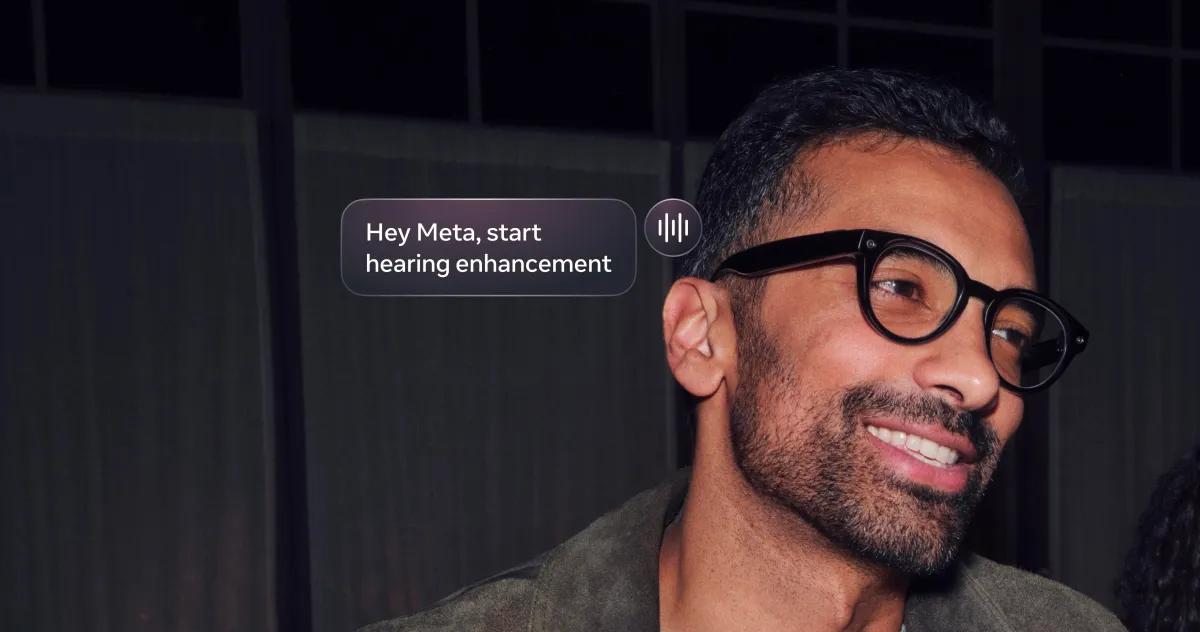
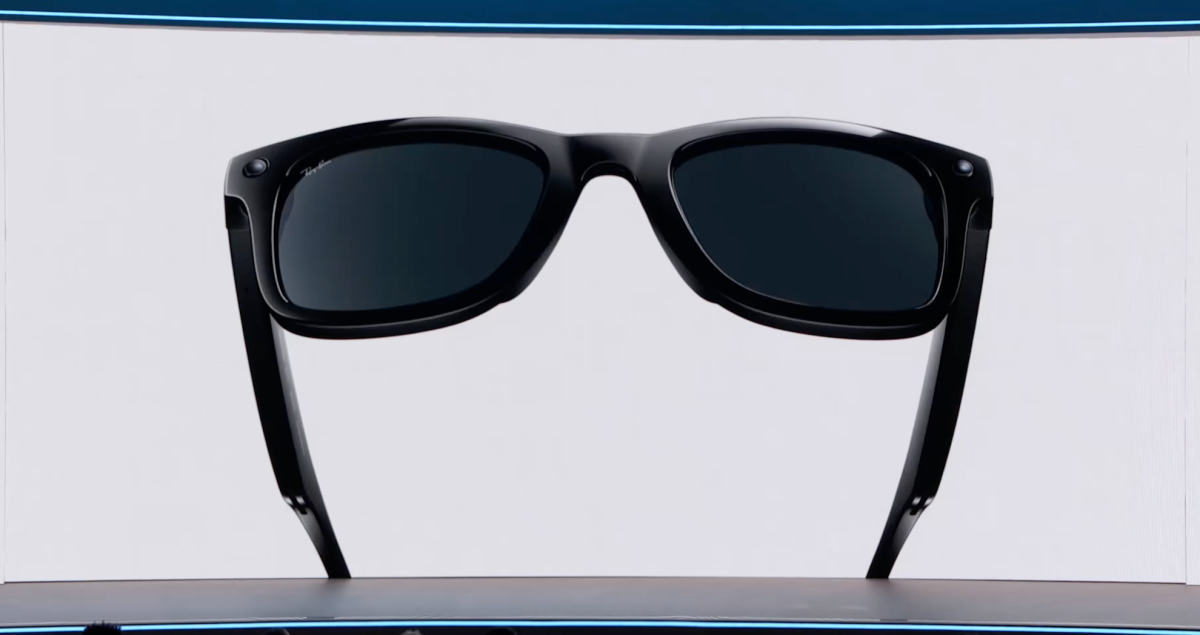
The company is also preparing to bring Muse to smart glasses in the coming months, where users will be able to talk to the agent about what they are seeing through the lenses. The changes arrive only weeks after Muse’s debut, suggesting Meta is moving quickly to build on early momentum.
What Meta announced for Muse
Meta said Muse will soon gain several new capabilities that broaden how people can interact with the agent. The most notable additions include video chat, dedicated email addresses for each Muse agent, and support for using a computer through the recently released Mac app.
Those updates move Muse beyond a standard chatbot. Instead of limiting the product to typed prompts in a message window, Meta is building multiple entry points that make the agent easier to reach and more useful in everyday workflows.
- Video calls: Users will soon be able to speak with Muse face-to-face through live video.
- Email addresses: Each Muse agent will have its own address for receiving and sending task-related messages.
- Mac computer use: The desktop app will be able to interact with the user’s computer.
- Smart glasses support: Meta plans to bring Muse to its glasses in the coming months.
Why video chat is a major shift
Video chat changes Muse from a text-first assistant into a more expressive AI avatar. The new feature will let users hold live conversations with the bot while seeing a visual representation of it on screen, which Meta appears to see as a more natural and engaging interface for AI.
That matters for two reasons. First, it brings Muse closer to the kind of human-like interaction many AI companies are racing to offer. Second, it positions Meta to differentiate Muse from assistants that remain mostly text-based, even as the broader market becomes more crowded.
How Meta is improving the avatar experience
Meta is not just adding video; it is also giving users more control over Muse’s presentation. People will be able to adjust how the avatar sounds, adding to the visual customization options that already exist. The company also said a new Realtime Avatar model will shape the way the agent moves, which suggests more lifelike animation and smoother on-screen behavior.
In practice, that means Muse is being built as a personality-driven interface as much as a utility tool. Meta seems to believe the appearance, voice, and motion of an AI assistant will influence how often people want to use it.
How the new email feature will work
Meta says every Muse agent will get its own email address, creating a more persistent identity for the assistant and a new way to assign tasks. Users will also be able to communicate with Muse through that address, which could make the agent more useful for message-based workflows.
The company has not laid out every detail of how those inbox interactions will function, but the direction is clear: Muse is becoming a system that can sit across different communication channels rather than remain trapped in a single app.
Meta is positioning Muse as a more versatile agent that can handle tasks across chat, email, desktop software, and video, rather than a one-window chatbot.
What does Mac computer control add?
Computer access gives Muse a more practical edge. The new ability for the Mac app to use your computer suggests Meta wants Muse to help with actions that require navigating apps, clicking through interfaces, or carrying out computer-based tasks on behalf of the user.
This puts Muse closer to the emerging class of AI agents that do work across software environments instead of merely responding to questions. It also raises the stakes for reliability, since any agent that can control a computer must be accurate, safe, and predictable enough to trust with real tasks.
How this fits the broader AI agent race
Meta’s expansion comes as tech companies compete to define what an AI agent should do. Some rivals focus on knowledge work, some on software automation, and others on conversational companionship. Meta’s version appears to be blending all three.
That strategy may help the company reach consumers who are more interested in an assistant that can look, speak, listen, and act than in a purely text-based tool. It also fits Meta’s long-running push toward social, camera-enabled, and wearable computing.
Why Muse’s early popularity matters
Muse launched earlier this month and appears to have made an immediate impression. According to Meta’s own positioning around the launch, the agent climbed App Store charts and reportedly outpaced ChatGPT downloads on mobile during its first 12 days.
Even without full independent verification of every download comparison, the early signs suggest strong demand. A fast start often gives companies room to iterate aggressively, and Meta seems intent on doing exactly that while attention is still high.
The company’s rapid pace also hints at a competitive calculation. When a new app gains traction quickly, adding features fast can help preserve momentum before users move on to the next novelty.
What makes Muse different from a typical chatbot?
Muse is being designed less like a one-dimensional chat tool and more like an AI presence that can travel between devices and formats. It began as a chatbot, but Meta is now shaping it into an avatar with a voice, a body, an address, and eventually a place inside smart glasses.
That evolution reflects a wider trend in consumer AI: the most successful products may not be the ones that answer the most questions, but the ones that integrate into the most contexts.
| Feature | Current status | What it adds |
|---|---|---|
| Text chat | Already available | Basic interaction with Muse |
| Video calls | Coming soon | Live face-to-face conversation with the avatar |
| Email addresses | Coming soon | Task assignment and message-based communication |
| Mac computer use | Coming soon | Desktop task execution and computer control |
| Smart glasses support | Planned for the coming months | Context-aware conversations about what the user sees |
Why smart glasses could be Muse’s most ambitious platform
Smart glasses may become the most distinctive place for Muse to live because they combine visibility, context, and mobility. Meta says users will be able to talk to the agent about what they are looking at while wearing the glasses, which could make Muse feel more like a real-time companion than a standalone app.
If that works, it would give Meta a way to connect AI directly to the physical world. Instead of asking a chatbot to describe or explain something from afar, users could point their gaze at an object, location, or scene and ask Muse to respond in context.
What this could mean for everyday use
A glasses-based Muse could help with travel, shopping, navigation, and hands-free queries. It could also strengthen Meta’s broader hardware strategy by making the agent useful in situations where a phone is awkward or intrusive.
That is likely why the company is emphasizing the future glasses integration so early. It ties Muse to one of Meta’s most important long-term bets: making AI feel embedded in ambient, wearable computing.
How Meta is trying to stand out in AI
Meta is not only building models; it is trying to create an experience that feels distinct from competitors. With Muse, the company is combining social-media familiarity, avatar design, mobile distribution, desktop utility, and wearable ambitions into one product story.
That combination could appeal to users who want AI that feels more approachable than a bare text box. At the same time, it gives Meta multiple chances to improve retention by making Muse relevant in more settings throughout the day.
The challenge is that each added capability raises expectations. A video-enabled avatar that can open emails, work on a computer, and eventually interpret the world through glasses must perform reliably to keep user trust.
What happens next for Muse?
The immediate next step is the rollout of the new communication and control features. Meta has not specified exact launch dates for all of them, but the company framed them as upcoming additions rather than distant experiments.
After that, the biggest milestone will be the smart glasses launch. If Meta can make Muse genuinely useful on wearable hardware, it could help define a new category of AI assistant that lives closer to the user’s daily environment.
For now, the headline is that Muse is moving quickly from novelty to platform. In just a short time, Meta has taken it from a chatbot to an AI avatar with video, voice customization, email access, computer control, and a path toward augmented reality-style interaction.
Timeline: Muse’s rapid rollout
| Date | Milestone | Why it matters |
|---|---|---|
| Earlier this month | Muse launches | Introduces Meta’s new consumer AI agent |
| First 12 days | Strong early download performance | Shows rapid market interest |
| September 23, 2026 | Meta announces new features | Adds video, email, and desktop capabilities |
| Coming months | Smart glasses support planned | Extends Muse into wearable computing |
Big picture
Muse’s rapid expansion suggests Meta wants to be seen as a serious contender in the next generation of AI assistants. Rather than compete only on model quality, the company is betting on interface, distribution, and hardware integration.
If the rollout succeeds, Muse could become one of Meta’s clearest examples of how to turn AI into an everyday consumer product. If it falls short, it will still reveal how aggressively the company is trying to shape the market’s expectations for what an AI agent should be able to do.
Frequently asked questions
What is Meta adding to Muse?
Meta is adding video calls, dedicated email addresses for agents, Mac computer control through the desktop app, and planned support for smart glasses. These features are designed to make Muse more interactive and useful across different devices and tasks.
When will Muse get video chat?
Meta has said video chat is coming soon, but it has not given a precise release date. The feature is part of a broader update that will make Muse feel more like a live AI avatar than a standard chatbot.
How will Muse use email addresses?
Each Muse agent will get its own email address, which users can use to communicate with the agent and assign tasks. Meta has not disclosed full details of the workflow, but the goal is to make Muse easier to reach outside the chat interface.
Why is smart glasses support important for Muse?
Smart glasses support is important because it lets Muse respond to what the user is actually seeing in the real world. That could make the assistant more useful for contextual questions, hands-free help, and wearable AI experiences.
Is Muse replacing Meta’s chatbot experience?
No, Muse is expanding beyond a chatbot rather than replacing chat entirely. Meta is adding new modes like video, email, desktop control, and glasses integration to turn the product into a broader AI agent platform.