In short
Adobe is expanding AI across Firefly and Creative Cloud, adding new creative tools in apps like Photoshop and Premiere while testing a way for chatbots to access Adobe features through MCP. The company says the goal is to make AI a workflow layer that speeds production without taking control away from creators.
- Adobe announced a broad AI upgrade across Firefly and Creative Cloud at MAX in Miami.
- Firefly is gaining Builder in private beta, plus video, image and brand-focused tools.
- Adobe is introducing a local MCP so external chatbots can use more Creative Cloud features.
- The company says creators should keep final control even as AI becomes more proactive.
Adobe is widening its AI strategy across Firefly and Creative Cloud, rolling out new generative tools in Photoshop, Premiere, Illustrator, InDesign and other apps while also opening a path for external chatbots to tap into Adobe features through a local Model Context Protocol, or MCP. The move, announced at MAX in Miami and reported separately by TechCrunch and CXOToday.com, is designed to make AI a more active layer inside the company’s creative software stack rather than a standalone feature.
The company’s pitch is straightforward: let creators describe an outcome, then have Adobe’s agent help assemble the steps needed to get there. That includes prototyping inside Firefly, editing images selectively, building videos from clips and sound effects, and exposing more Creative Cloud functions to chatbot interfaces users may already be working in.
What Adobe announced at MAX
Adobe used its MAX event in Miami to show a broad AI update that stretches across its core creative products. TechCrunch said the rollout spans Photoshop, Premiere, Illustrator and InDesign, while CXOToday.com reported the creative agent reaches Firefly, Photoshop, Premiere, Illustrator, InDesign and Frame.io. The two accounts line up on the main theme even if they differ slightly on the app list and how the features are framed.
At the center of the update is Firefly, which Adobe is positioning as more than a generator of images. According to TechCrunch, Firefly is getting a Builder prototyping tool in private beta, as well as tools for on-brand graph creation, selective image editing and an AI video feature that can assemble clips, images and sound effects into a finished video. CXOToday.com added that Firefly is previewing a unified workflow that moves from ideation to creation to production.
Adobe is also expanding its creative agent. TechCrunch reported that the company made the agent proactive and always-on so it can gather more context about the work a user is doing. CXOToday.com described the same system as one that orchestrates multistep workflows from a user-described outcome. In practical terms, Adobe is trying to turn the agent into a production assistant that can keep track of a project instead of waiting for a single prompt.
How the new tools break down
The new features are not just one upgrade but a bundle aimed at different stages of the creative process. Adobe appears to be spreading AI across drafting, editing, finishing and publishing, which is a meaningful shift for a company whose software has traditionally been organized around separate manual tasks.
Firefly becomes the project hub
Firefly is the clearest sign of Adobe’s direction. TechCrunch said the app is getting Builder in private beta, along with tools for graph creation and selective image editing. The company is also adding an AI video tool that can combine clips, images and sound effects into a video. CXOToday.com reported additional Firefly capabilities such as brand kit creation, short product video creation, Quick Cut and storyboard-to-video tools, plus reusable Elements and Projects in private beta to preserve context.
The overall pattern is that Firefly is being pushed beyond isolated generation and into workflow management. That makes it more like a production layer that can keep assets, brand constraints and project history together while work moves from one output type to another.
Photoshop, Premiere and Lightroom get targeted upgrades
Adobe’s other flagship apps are getting narrower but important additions. TechCrunch said Photoshop will gain relighting and prompt-based generative style sliders. Premiere is set to receive pro color grading and video object removal. Lightroom is getting blink correction and blemish removal.
These updates matter because they point to a familiar Adobe strategy: add AI where users spend time on repetitive or technically demanding cleanup work. In photo and video editing, that often means hours spent on finishing details that do not define the creative idea but still determine whether the final result looks polished.
Quick actions move closer to one-click work
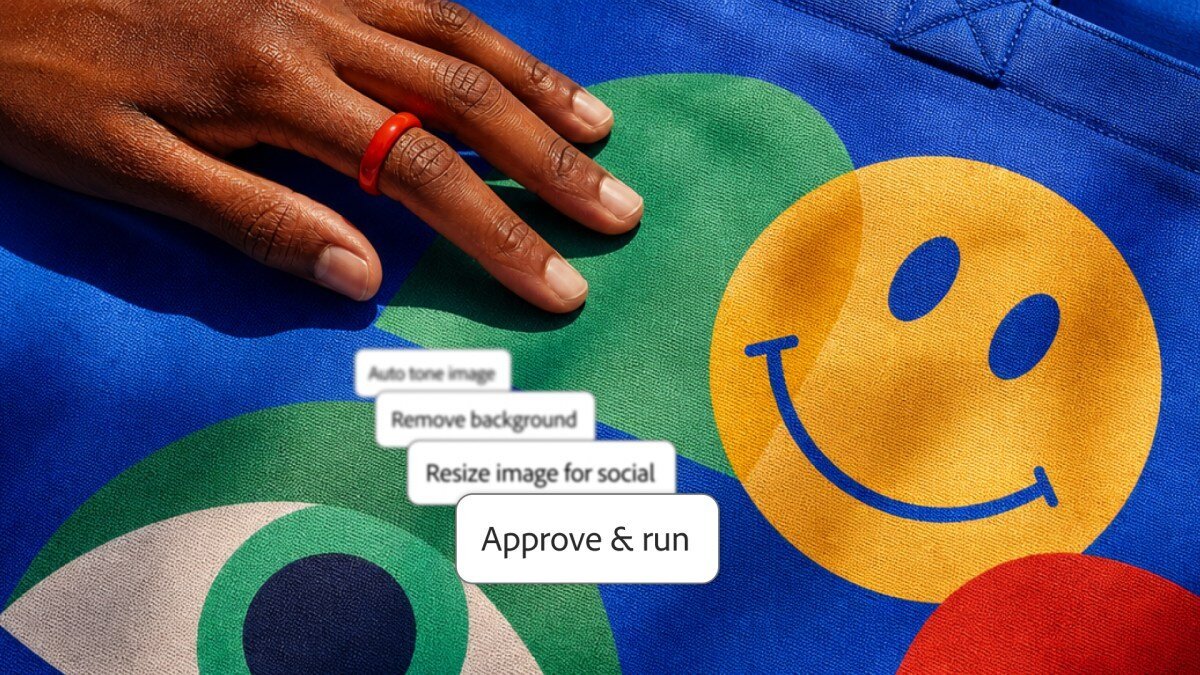
Adobe is also expanding quick actions, according to TechCrunch. The company is adding background removal and video thumbnail generation to the list. Those are smaller features than a new editor or workflow engine, but they are the kind of tools that can reduce friction in everyday production and make AI feel embedded rather than separate.
What is MCP, and why is Adobe exposing its tools to chatbots?
Adobe is releasing a local MCP so more Creative Cloud app features can be exposed to chatbots and users. MCP, or Model Context Protocol, is a standard for connecting AI assistants to external tools and services. In Adobe’s case, that means a chatbot could potentially call into creative features instead of only advising the user from the sidelines.
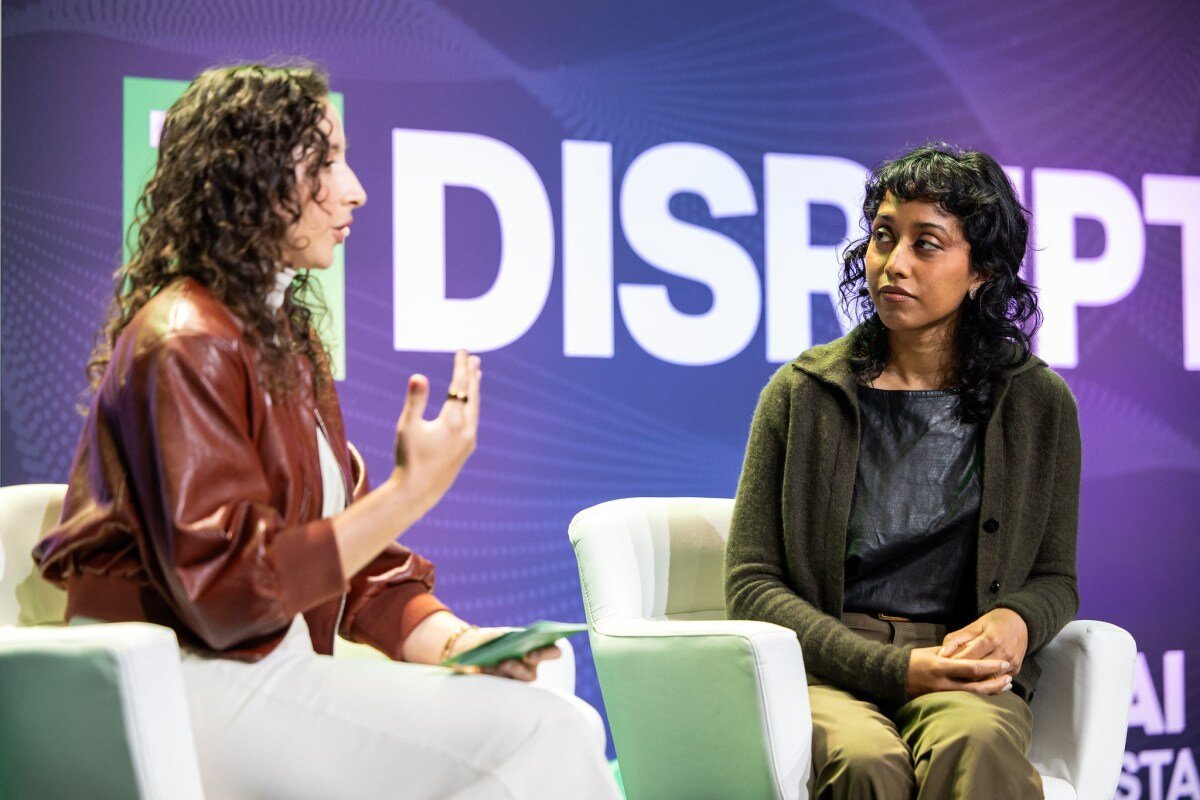
TechCrunch reported that Adobe said ChatGPT and Claude integrations already exist for some product functions. The new MCP effort is meant to widen that access. Adobe vice president Deepa Subramaniam said the company is still deciding which capabilities to expose through MCP, adding:
“We are still figuring out where and when and how to draw the line.”
That caution is important. Opening creative software to outside agents can save time, but it also raises questions about permissions, quality control and how much autonomy Adobe is willing to grant to third-party systems. The company is not saying every tool in its suite will be exposed at once. Instead, it is drawing the system out gradually, capability by capability.
Why it matters
Adobe’s update matters because it suggests a shift from software that users actively operate to software that increasingly helps plan and execute work on their behalf. For creators, that could mean less time spent on repetitive tasks and more time on judgment-heavy decisions. For Adobe, it is a bid to keep Creative Cloud central as AI features become part of the standard workflow across the industry.
There is also a competitive dimension. Adobe’s creative suite already covers photo, video, illustration and publishing, and the company is now trying to make AI the operating layer across all of it. That matters in a market where collaborative design and prototyping rivals, including Figma, continue to pressure incumbents on speed and workflow simplicity.
For users, the most immediate impact may be convenience. A pro editor could ask for a video cleanup, a thumbnail, a color correction or a style adjustment without jumping across multiple tools. A marketing team could use the same system to keep brand material consistent across assets. A solo creator could move from a concept to a draft to a finished piece with less manual switching.
But there is another side to the story. Adobe’s own survey data, cited by CXOToday.com, suggests creators are open to AI but protective of final decisions. Among more than 16,000 creators in Adobe’s Creators’ Toolkit Report, 75% said creative AI is integrated or essential, while 85% said the final creative decision should remain with the creator. That combination explains Adobe’s messaging: AI as a helper, not a replacement.
What the creator data suggests
Adobe is leaning on survey evidence to support the product direction. CXOToday.com reported that Adobe’s sample of more than 16,000 creators found strong acceptance of AI in the creative process, but not at the expense of human control.
| Metric | Figure | What it says |
|---|---|---|
| Creators surveyed | More than 16,000 | Adobe’s data set is broad enough to reflect a large creator base |
| AI seen as integrated or essential | 75% | Most respondents already view creative AI as part of the workflow |
| Final decision should stay with creator | 85% | Creators still want human control over the final output |
| Adobe workflow reach | Hundreds of millions | Adobe says its tools can reach users through ChatGPT, Claude, Copilot, Gemini and Slack |
The numbers help explain Adobe’s tone. The company is not presenting agentic AI as an all-or-nothing replacement for creative skill. It is packaging it as a way to accelerate work while leaving final taste, edits and approval in the creator’s hands.
Background: how Adobe got here
Adobe’s current push builds on years of adding generative AI to Creative Cloud. That broader shift has been unfolding as creative software companies try to fuse traditional editing workflows with text-driven and context-aware AI tools. Adobe’s challenge is not simply to launch features, but to make them feel native to the long-standing habits of photographers, editors, designers and publishers.
Creative Cloud itself is a subscription suite for design, photo, video and publishing tools. That structure gives Adobe a deep base to layer AI across multiple apps, rather than forcing users to move between disconnected products. It also gives the company a reason to make AI feel cumulative: each app can feed the next stage of the workflow.
CXOToday.com framed the current move as an expansion of Adobe’s creative agent across Firefly and Creative Cloud as public betas. TechCrunch, by contrast, emphasized the MAX announcement and the specific product changes, including the MCP rollout. Together, the reports suggest Adobe is moving on two fronts at once: visible feature updates for users and infrastructure changes that let those features connect to other AI systems.
Adobe’s choice to introduce MCP also reflects a broader software trend. Model Context Protocol is designed to let assistants work with outside services in a more structured way than simple plug-ins or one-off integrations. For Adobe, that could make Creative Cloud functions easier to surface inside other environments where users already spend time.
How the reports differ
The two source outlets are closely aligned on the core story, but they emphasize different angles.
- TechCrunch focused on the MAX event in Miami, the Firefly Builder private beta, the app-by-app AI additions and the local MCP exposure for chatbot integrations.
- CXOToday.com emphasized Adobe’s creative agent as a public beta, the unified workflow from ideation to production, the Frame.io connection and the survey data showing creator support for AI with human oversight.
Those differences are not contradictions so much as editorial priorities. One outlet concentrated on the product roadmap. The other framed the announcement as a broader operating model for creative work.
What Adobe is trying to build
Adobe appears to be building toward a system where AI is not a separate feature panel but the connective tissue across its suite. That means a user could start with an idea in Firefly, move into Photoshop or Illustrator for refinement, use Premiere or Frame.io for production and finalization, and then tap chatbot integrations for extra context or automation.
That vision is ambitious because it depends on three things working together: reliable generation, clear creator control and integration across app boundaries. Adobe’s language suggests it knows the balance is delicate. It wants the workflow to feel proactive, but not intrusive; powerful, but not opaque.
Deepa Subramaniam’s comment captures that tension. The company wants to support the creative workflow, but it is still deciding exactly where to set limits. Those limits may shape whether Adobe’s new agent feels like a helpful assistant or an overreaching layer between creator and tool.
What happens next
The immediate next questions are practical rather than philosophical. Adobe has not said which capabilities will ultimately be exposed through MCP, when the public betas will become generally available or whether any of these upgrades will change pricing or require higher-tier subscriptions.
Here is what to watch:
- Which features move into MCP first. Adobe has said the decision is still being worked out.
- How public betas mature. CXOToday.com said several features are already in public beta, while Firefly Builder is in private beta.
- How Adobe handles permissions and creator control. The more agentic the workflow becomes, the more important guardrails will be.
- Whether chatbot access changes daily habits. If users can access Creative Cloud functions through ChatGPT, Claude or other assistants, that could shift where creative work starts.
- Whether pricing changes follow. Adobe has not detailed any pricing impact in the fact sheet, but that remains a key commercial question.
There is also the broader issue of adoption. Adobe can announce ambitious AI features, but their impact will depend on whether creators trust them enough to use them in real projects. The survey data suggests the appetite is there, so long as the software stays in the role users want: fast, helpful and under human control.
Bottom line
Adobe is not just adding another AI feature. It is trying to turn AI into the operating layer for its creative suite, from Firefly and Photoshop to Premiere and beyond. The company’s bet is that creators want speed and automation, but not at the cost of authorship, and that Adobe can provide both inside one workflow.
If that works, Creative Cloud becomes less of a set of separate applications and more of a coordinated production system with AI built into the seams. If it does not, the company will have added complexity without solving the core problem users are asking AI to address: getting from idea to finished work faster, with confidence that the result still feels like theirs.
Frequently asked questions
What did Adobe announce at MAX?
Adobe announced a broad AI upgrade across Firefly and Creative Cloud, including new tools in Photoshop, Premiere, Illustrator and InDesign, plus a local Model Context Protocol that can expose more Creative Cloud features to external chatbots.
What is Adobe's Model Context Protocol for?
Adobe's Model Context Protocol is meant to let external AI assistants connect to Creative Cloud features and services in a more structured way. Adobe says it is still deciding exactly which capabilities will be exposed through it.
Which Adobe apps are getting new AI features?
Adobe is adding AI features across Firefly and Creative Cloud apps, including Photoshop, Premiere, Illustrator, InDesign and Lightroom. TechCrunch also reported quick-action additions such as background removal and video thumbnail generation.
Why is Adobe putting AI into creative workflows?
Adobe is trying to make AI an operating layer across its creative suite so users can move faster through ideation, editing and production. The company says the goal is to support the workflow while keeping final creative decisions with the creator.