
In short
Google is expanding Search AI Mode’s Personal Intelligence to use Drive, Wallet and Gemini data for more personalized answers. The feature is optional, read-only for Wallet, and will include a new icon showing when personalization is used.
- Google is adding Drive, Wallet and Gemini to Personal Intelligence in Search AI Mode.
- The feature is optional and can be switched on or off by users.
- Wallet access is read-only and cannot move money or manage accounts.
- Google plans a Personalization icon below AI responses to show used context.
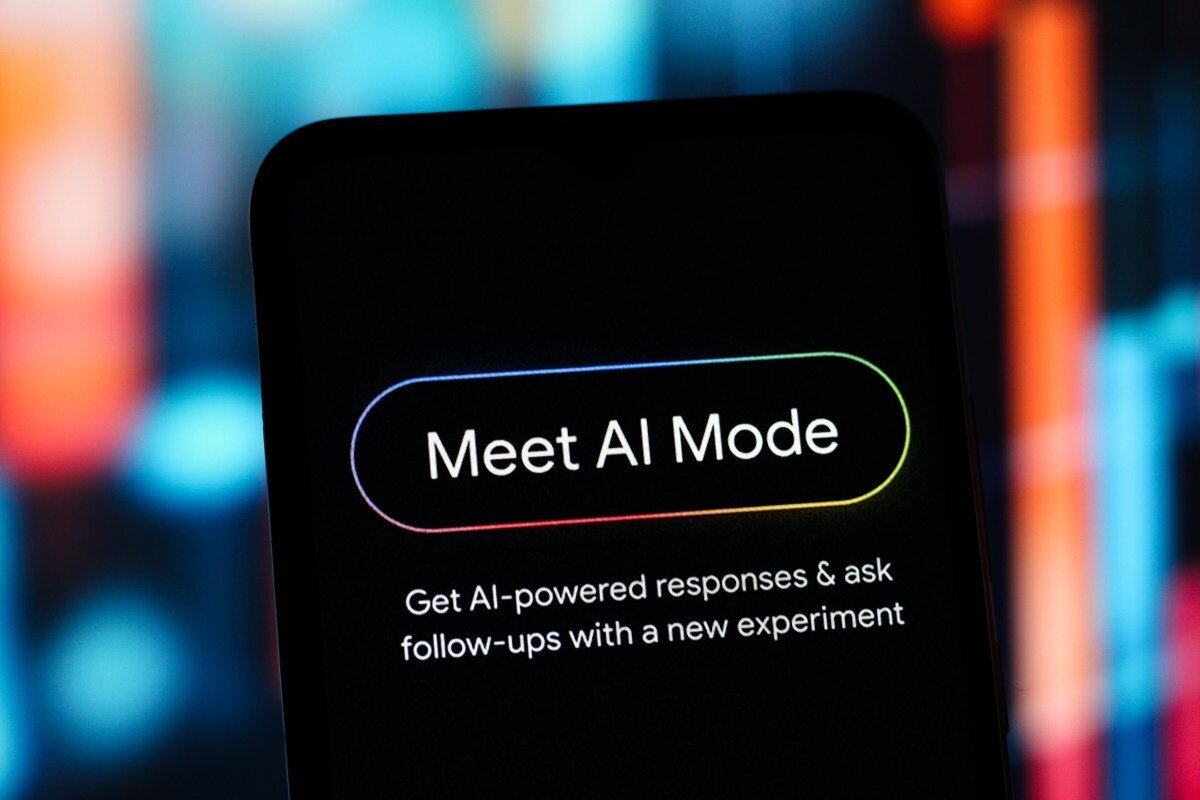
Google is expanding Personal Intelligence inside Search AI Mode on Monday, adding Google Drive, Google Wallet and the Gemini app to its list of connected services so search results can draw on more of a user’s own data. The change matters because it pushes Google’s AI search deeper into the company’s ecosystem while giving users more control over what information the system can access.
What Google is changing in Search AI Mode
Google is broadening Personal Intelligence so Search AI Mode can use more context from a user’s account to shape answers. According to TechCrunch, the feature already worked with Gmail, Calendar and Photos; the new additions are Drive, Wallet and Gemini.
The company is making the feature optional, which means users can turn Personal Intelligence on or off. That matters because the system is designed to draw from personal material, and Google is signaling that consent remains part of the product design rather than an afterthought.
What the new integrations do
Each service adds a different kind of context. Drive gives Search AI Mode access to files, which can help the system answer project-specific questions with more detail. Wallet is meant to help users track financial goals, spending and card rewards. Gemini app context can move between the app and Search AI Mode, so prompts and follow-up requests are not isolated to one interface.
Google’s stated boundaries are also important. Wallet access is limited to reading account information, and it does not let the AI move money or manage accounts. That limitation places a clear line between informational use and financial control.
How the personalization works
Google is not just adding more sources. It is building a fuller memory across its products. TechCrunch reported that Gemini app context can carry over into Search AI Mode, and vice versa, which suggests Google wants the search experience to feel less like a single tool and more like a connected assistant across the company’s services.
Google also plans to add a Personalization icon below AI responses to show which context was used. That is a small design change with larger implications: it gives users a visible clue about why an answer is shaped a certain way, and it may help reduce confusion about what data influenced the result.
In parallel, AI Overviews and AI Mode will also show more personally relevant responses based on recent search context. That means personalization will not be limited to obvious account-linked data such as email or files. Search activity itself will play a role in shaping what users see.
Why it matters
This update shows how aggressively Google is tying Search to its own ecosystem. Search has long been the company’s core product, but AI changes the role it plays: instead of simply retrieving web pages, it can synthesize answers from a user’s own information, recent activity and connected services.
For users, that can be useful in practical ways. A question about taxes, for example, could be answered with reference to Drive documents that hold relevant records. A query about spending or rewards could surface more useful context from Wallet. For people who already live inside Google’s software, the payoff could be faster, more tailored answers with less manual searching.
For Google, the move strengthens the case for using its products together. If Search AI Mode becomes more helpful when linked to Gmail, Calendar, Photos, Drive, Wallet and Gemini, then the ecosystem itself becomes a competitive advantage. That may also make Search stickier, because the most useful version of the product will depend on a broader set of Google services.
At the same time, the expansion raises familiar privacy questions. AI features that analyze personal data can make answers more relevant, but they also depend on trust. Google’s decision to keep the feature optional and to show a personalization indicator suggests it understands that users will want both utility and transparency.
Why does Google’s Wallet integration stand out?
Google Wallet is the most sensitive of the new connections because it relates to financial information. According to TechCrunch, the integration is intended to help users track financial goals, spending and card rewards, but it is limited to reading account information only. The company says it cannot move money or manage accounts through the feature.
That restriction is a practical safeguard. Financial data can make search results far more useful, but it is also the kind of information that requires careful handling. By limiting Wallet access to read-only use, Google is trying to balance convenience against the risk of crossing into transactional territory.
Background: how Google got here
Google has spent years connecting its services across consumer and workplace products, and AI search is now becoming the layer that ties them together. The company already links several apps in ways that let users move between email, calendar, photos and other services with relatively little friction. Personal Intelligence is an extension of that broader strategy.
The background also matters because AI search has evolved from static answers into contextual assistance. The public has become used to chatbots and AI tools that can remember earlier prompts or reference uploaded material. Google’s approach takes that same idea and places it inside Search, where the stakes are higher because the product reaches a massive audience and sits at the front door of the web for many people.
Privacy controls remain central to this kind of product. Features that examine linked data are only useful if users believe they can understand, limit or shut off what is being used. That is why Google’s optional toggle and future Personalization icon are not minor details; they are part of the product’s social contract with users.
By the numbers
| Feature area | What Google says it uses | User control | Notable limit |
|---|---|---|---|
| Personal Intelligence | Gmail, Calendar, Photos, Drive, Wallet, Gemini | Can be turned on or off | Designed for personalized answers |
| Google Wallet | Account information | Read-only access | No money movement or management |
| Search AI Mode | Personal data and recent search context | Indicator planned below responses | More relevant answers based on context |
| Gemini app | Prompt context shared with Search AI Mode | Part of the connected experience | Context can carry over both ways |
What the feature could change for everyday searches
For regular users, the biggest change may be less about flashy new functions and more about relevance. Search AI Mode could become better at answering questions that depend on personal context rather than generic web knowledge. That includes planning, budgeting, document-based tasks and follow-up questions that build on previous interactions.
TechCrunch’s example of tailored tax-season planning from Drive documents illustrates the practical value. A search engine that can interpret files already stored in Drive may save users from manually opening folders, copying details or reconstructing information from scratch.
But the same capability could also make people more cautious. The more personal the answer, the more sensitive the source material. Users may welcome a search tool that remembers their real context, but they may also want to know exactly which pieces of data were used and whether that data will stay confined to the intended feature.
How will users know what Search AI Mode is using?
Google’s answer, at least in part, is the Personalization icon planned below AI responses. That icon is intended to show which context informed the output, giving users a visible marker for the sources behind the response.
This is important because AI systems can otherwise feel opaque. If a response seems unusually specific, users need a way to tell whether it came from general model behavior, recent searches or connected account data. A small visual cue may not solve all trust concerns, but it is a concrete step toward transparency.
What happens next
Several details remain unresolved. Google has not said exactly when the new integrations and Personalization icon will roll out beyond the Monday announcement, and TechCrunch noted that the timing is still “soon” for the icon. The company also has not spelled out which countries, account types or languages will get the update first.
Another open question is how much additional personal data AI Mode will surface in practice. Even with read-only limits and optional controls, the usefulness of the feature will depend on how deeply it can interpret the connected services. If the answer is only lightly personalized, the value may be modest. If it becomes highly context-aware, privacy scrutiny will likely rise with it.
What to watch next:
- Whether Google publishes a rollout schedule for Search AI Mode integrations
- How the Personalization icon appears in the interface and what details it reveals
- Whether wallet, Drive and Gemini context change the quality of AI responses in noticeable ways
- How Google explains data handling and user controls as the feature expands
Google’s larger bet on personal AI search
The broader strategy is easy to see. Google wants Search AI Mode to feel less like a standalone chatbot and more like a personal assistant that understands the user’s documents, habits and recent activity across Google’s services. That is a strong pitch in a market where people increasingly expect AI to save time by remembering context.
It is also a delicate one. The more useful search becomes, the more it will depend on personal data, and the more important it becomes for Google to explain what is happening under the hood. The company is trying to build trust at the same time it builds capability, and those goals will have to stay in balance if the feature is to win broad adoption.
For now, the update marks another step in Google’s effort to make Search AI Mode feel indispensable inside its own ecosystem. The feature remains optional, the data use is framed as controlled, and the promises are tightly drawn. The real test will come once users begin asking their own questions and seeing how much of their digital life Search AI Mode can bring to bear.
Frequently asked questions
What is Google changing in Search AI Mode?
Google is expanding Personal Intelligence in Search AI Mode so it can use Google Drive, Google Wallet and the Gemini app for more personalized answers. The feature already worked with Gmail, Calendar and Photos, and users can still switch it on or off.
Can Google Wallet in AI Mode move money?
No. Google says Wallet access is limited to reading account information only, so the feature can help with spending, financial goals and card rewards, but it cannot move money or manage accounts.
How will users know when personalization is being used?
Google plans to add a Personalization icon below AI responses to show what context was used. The company is also making AI Overviews and AI Mode more responsive to recent search context.
Why does Drive integration matter for AI search?
Drive integration lets Search AI Mode use files to answer questions with more project-specific context. That could be especially useful for tasks such as tax-season planning or any search that depends on documents already stored in Drive.